
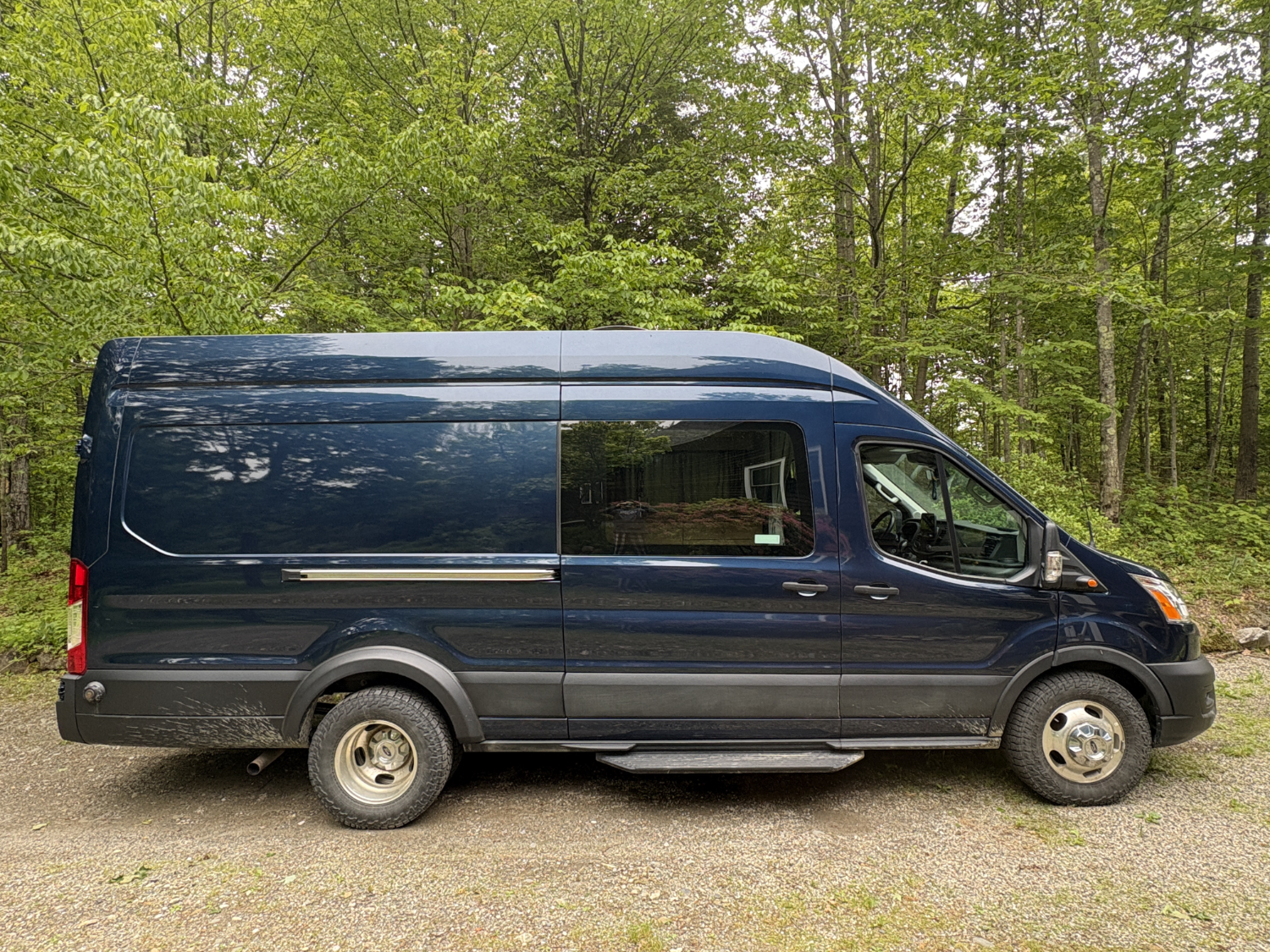
big blue: systems, equipment and info
electrical system
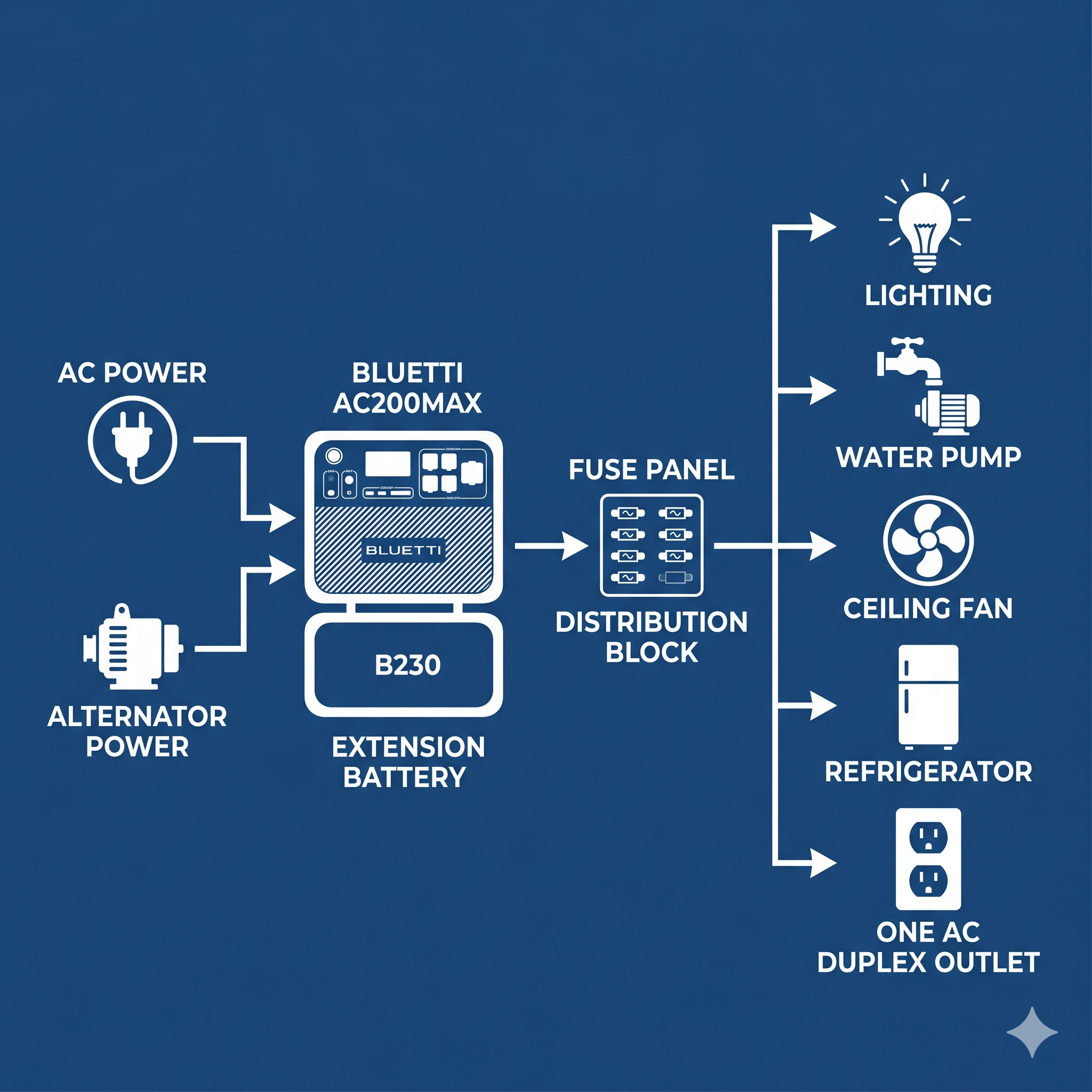
bluetti ax200max with additional battery. 4000+wh. charge with shore power or through vehicle alternator.
Charging:
In order to know what the battery status is, you need to download the bluetti app and connect via bluetooth. the batteries need to be on to connect to the app. if the battery is undiscoverable, it means it is not on, and needs to be manually turned on. Remove the plywood cover by removing the thumb screws, turn on, check the app, reinstall the plywood cover.
to charge via alternator, flip the yellow switch behind the drivers seat. to disconnect this charge, press the red button until the yellow switch flips to the open position.*NOTE: Features like remote starting are disabled when the alternator charging feature is on.
To charge via shore power, connect the battery charger (located in the battery compartment) to an extension cord connected to a standard AC outlet.
what this battery powers: lighting, fan, waterpump, refrigerator, uv filter, AC outlet.
While this battery has a large storage capacity, its important to conserve, especially if you are staying in one location for awhile. The battery will be fully charged at the beginning of your trip, its up to you to keep it charged.
Lighting: Use the remote (located on the upper cabinet) to operate overhead lights.
water system
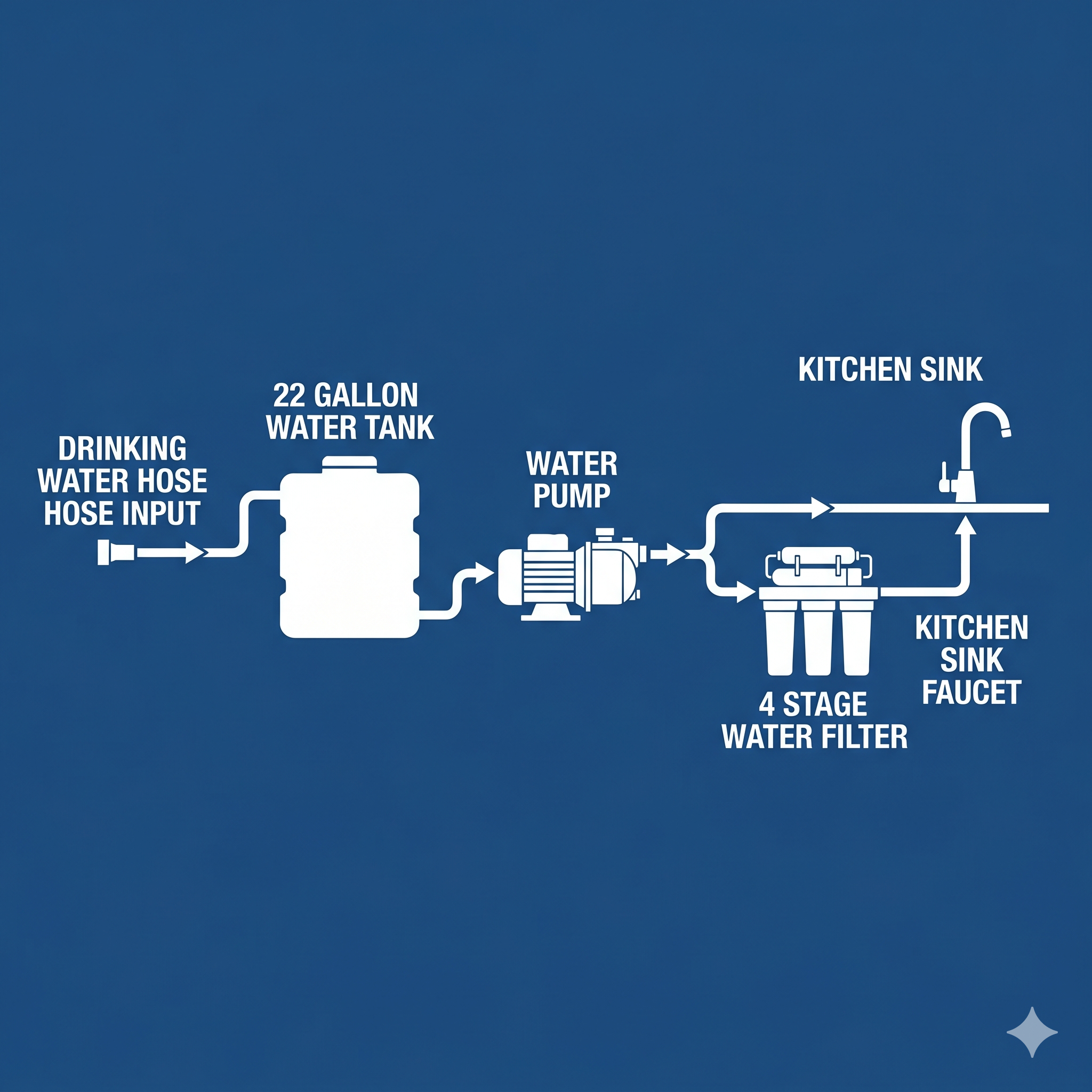
1. Attach the provided drinking water hose (located under the bench seat by the kitchen) to the water tank inlet, leave this connection outside of the van. Only use clean potable water, and let it run for a minute before connecting it to the van water tank.
2. Turn the red valve on the water tank to the open position. and turn on the supply faucet. the tank will fill to its capacity and then start to overflow from an outlet under the van. When this happens, turn off the water supply.
3. Turn the red valve to the closed position. disconnect the supply hose, and drain it out. return to its bag and store away.
4. Using the water filter: turn the faucet handle straight down, the filtered water will come from an outlet on the support arm of the faucet.
heating, cooling, & ventilation
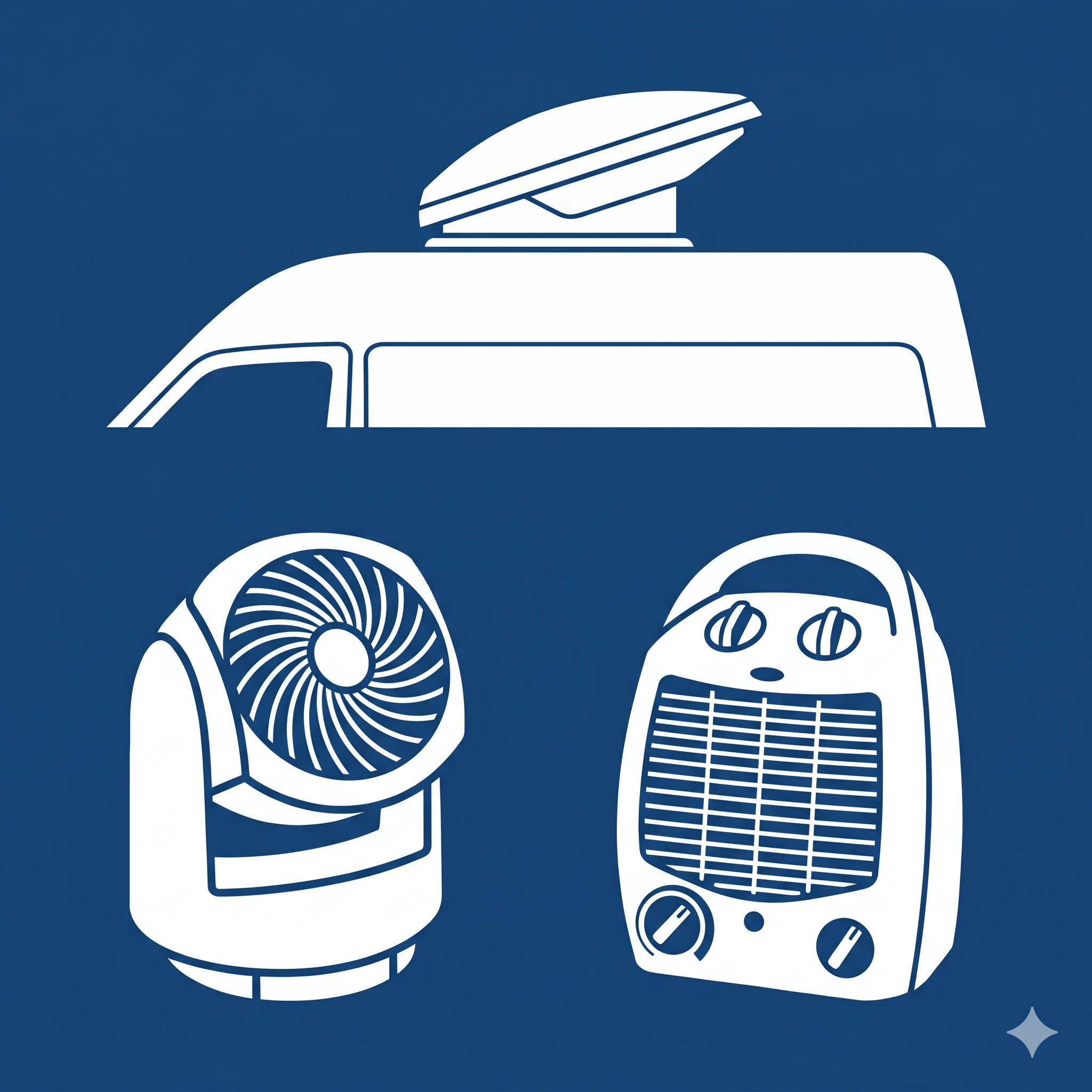
The van itself provides heat and cooling for the living area. Simply turn on the van, and use the normal controls for heating and cooling. .
Ventilation is provided by the roof fan. Simply use the remote (located on the upper cabinet) to operate, control speed, and direction of ventilation (in/out). fan can operate in the rain and should be used to mitigate moisture by ventilating out. the fan should also be used to vent out if you plan on cooking inside.
Additional ventilation and heat appliances can be plugged into the AC outlet by the kitchen. The van has additional fan and heating appliances which can be used by plugging them into the AC outlet in the kitchen. Supplemental heat appliances use a lot of power, so be aware that you may drain the house battery if you are not careful.